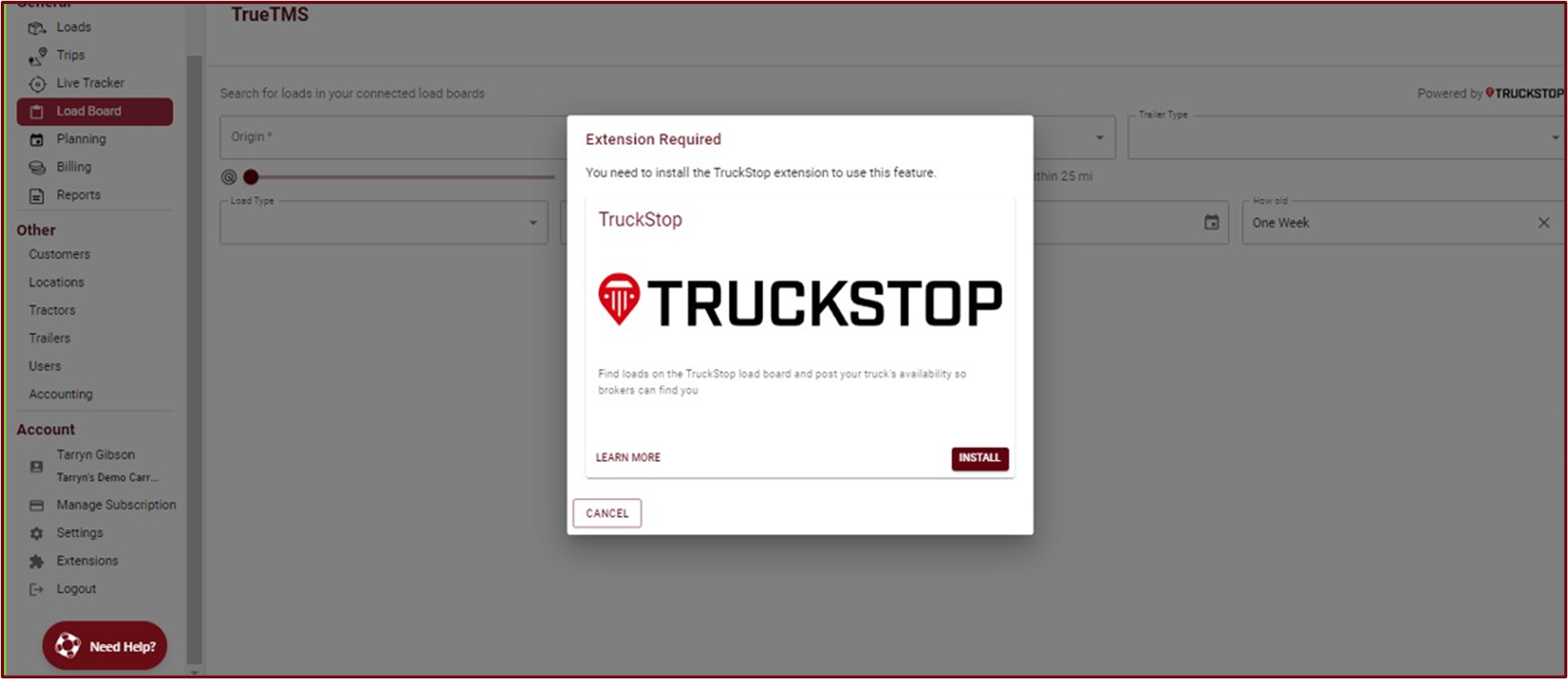
- To access TrueTMS on the web application, first log in. Then, navigate to the 'Extensions' option in the menu on the left side of your home screen under the 'Account' section. Locate the 'Truckstop' block and click on the 'Install' button to install the extension.
- To configure the extension, simply click on the 'settings' icon located in the top right corner of the 'Truckstop' block.
- In order to start using this extension within TrueTMS, you will need to provide your Truckstop integration ID (a). If you do not have this ID, please reach out to your Truckstop representative to request it. Once you have obtained the ID, click on 'Submit' (b) to save your changes. You can now access and utilize the load board under the 'General' section in the left menu.


If you haven't integrated Truckstop into your TrueTMS account yet, clicking on 'Load board' under General from the menu on the left will automatically prompt and redirect you to install the Truckstop extension.