- To access TrueTMS on the web application, navigate to the menu on the left side of your home screen and locate the 'Users' option under the Other section. From there, select 'Drivers' from the top menu.
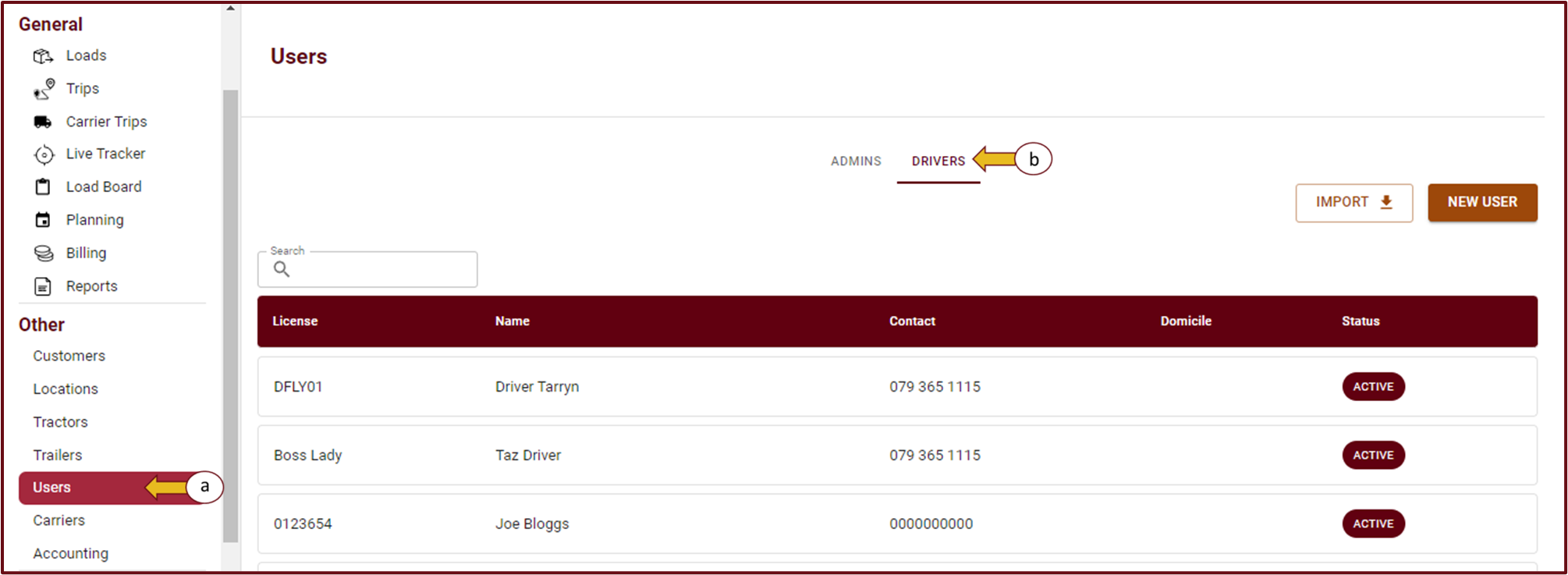
- To add a new driver, click on the 'New User' button (a) and choose 'Driver' from the dropdown options (b).
- Complete all the required information. Make sure to fill in the email, username and password under the Authentication section only if you would like this specific driver to have his own login and password to access the mobile app. Once complete, click ‘Save’ at the bottom of the page

