Tractors and Trailers are all added using the same "recipe".
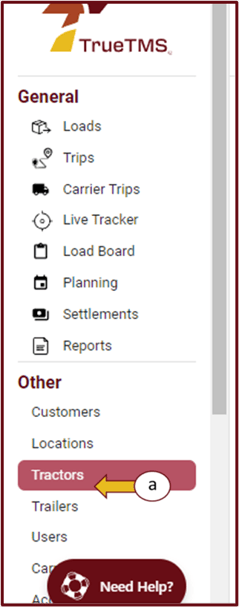
- Log in to TrueTMS on the web application. From the menu on the left of your home screen under the Other section, click on either ‘Tractors’ or 'Trailers' (a) and then ‘New Tractor’ or 'New Trailer' (b) on the top right of your screen .
- Add all the information that the system requires, and then click ‘Save’.
- Now, with the addition of these tractors and trailers, they can be conveniently assigned to loads using the dropdown option.

