- To access TrueTMS on the web application, please log in. Once logged in, navigate to the 'Settings' option located in the menu on the left side of your home screen under the Account section.
- Select the ‘Invoicing’ tab (a).
- Click on the 'Select or Change' button located next to Logo (b).
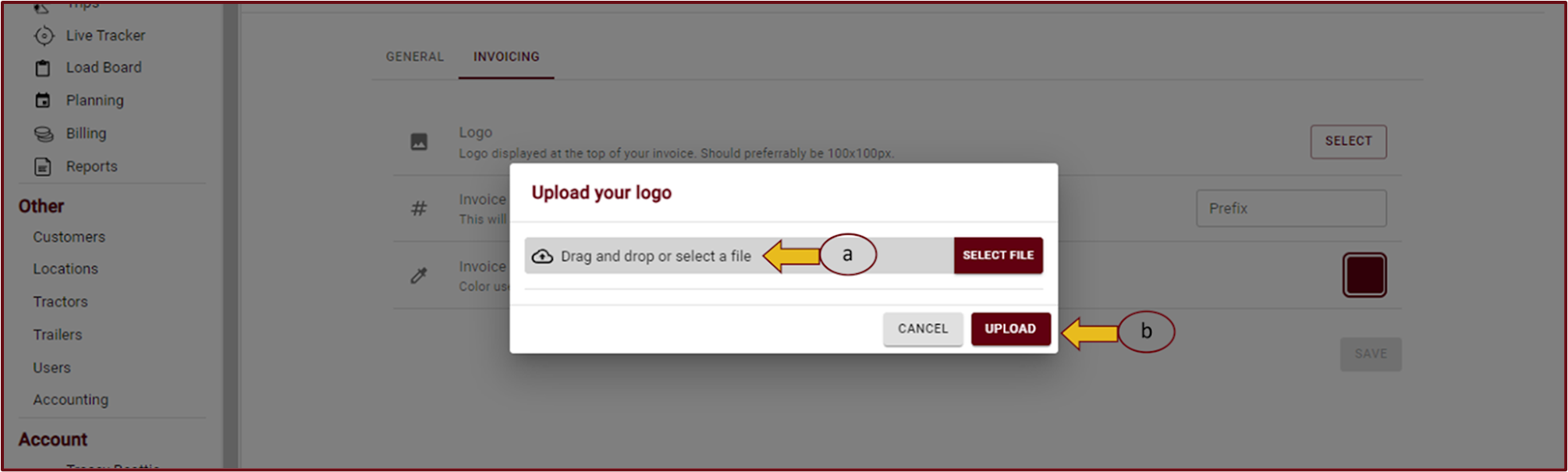
- To add your logo, you have two options: simply drag and drop your logo into the designated box, or select your logo from a file on your computer (a). After choosing your logo, click on the 'Upload' button (b) to save it.