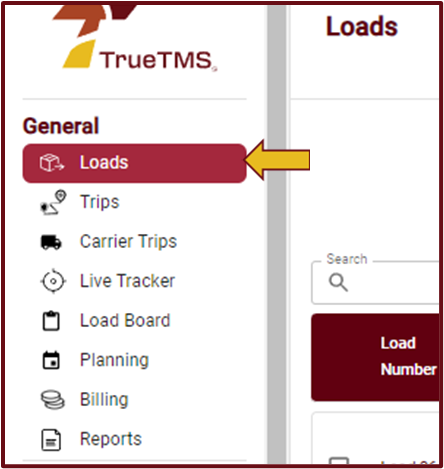
- Log in to TrueTMS on the web application. On the menu on the left of your home screen under the General section, click on ‘Loads’
- From the list of loads displayed, search for the load you wish to delete and click on the load. The load information page will open where you can select the bin icon on the top right.

- A white pop-up block will appear, accompanied by a warning message stating 'Danger Zone'. Select one of the three available cancellation reasons (a) and then click "Yes, Cancel" (b).
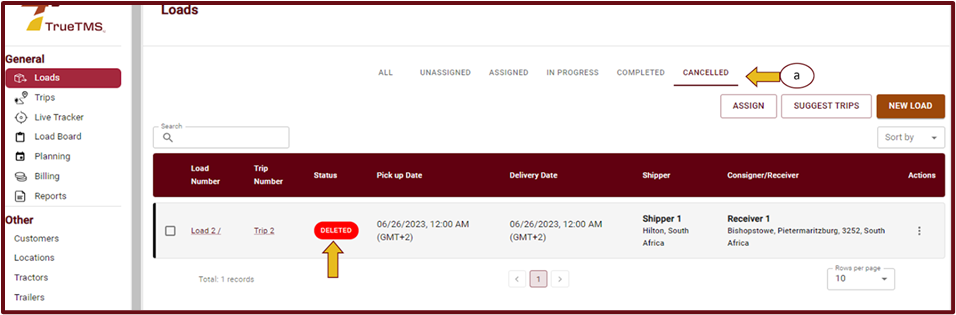
- The load can now be found under the CANCELED loads filter (a) on the loads page with a ‘deleted’ status.