- Log in to TrueTMS on the web application. On the left side menu under General select ‘Loads’.
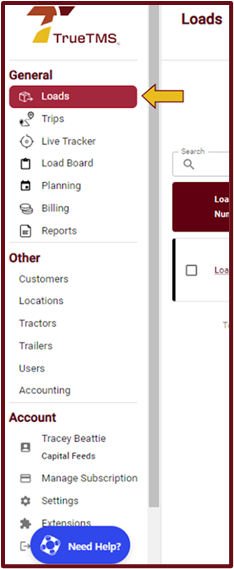
- Choose the load you would like to edit from the list displayed and simply click on that specific load line.
- Now click on the Pencil icon on the top right of the load page. Go through the load pages by selecting 'Next' or ‘Previous’ and make your changes.
- Once complete, remember to ‘Save Changes’.


You are able to edit a load at any stage after it has been created