- Log in to TrueTMS on the web application. On the menu on the left of your home screen under the General section, click on ‘Loads’(a) then the checkbox to the left of the load you wish to edit the assignment of (b) – even though it may already be assigned, and then select ‘Assign’ (c) .
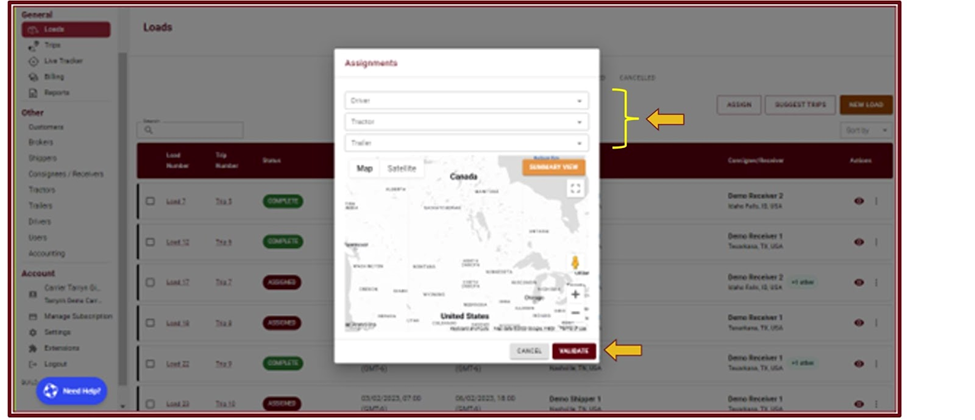
- In the assignments pop up block, using the dropdown option you can select the new driver and/or tractor and/or trailer you wish to use for this load and then click ‘Validate’ to save your selection.