- Log in to TrueTMS on the web application. On the menu on the left of your home screen under the Other section, select ‘Users’.
- Select ‘Admins’ from the top tab menu.
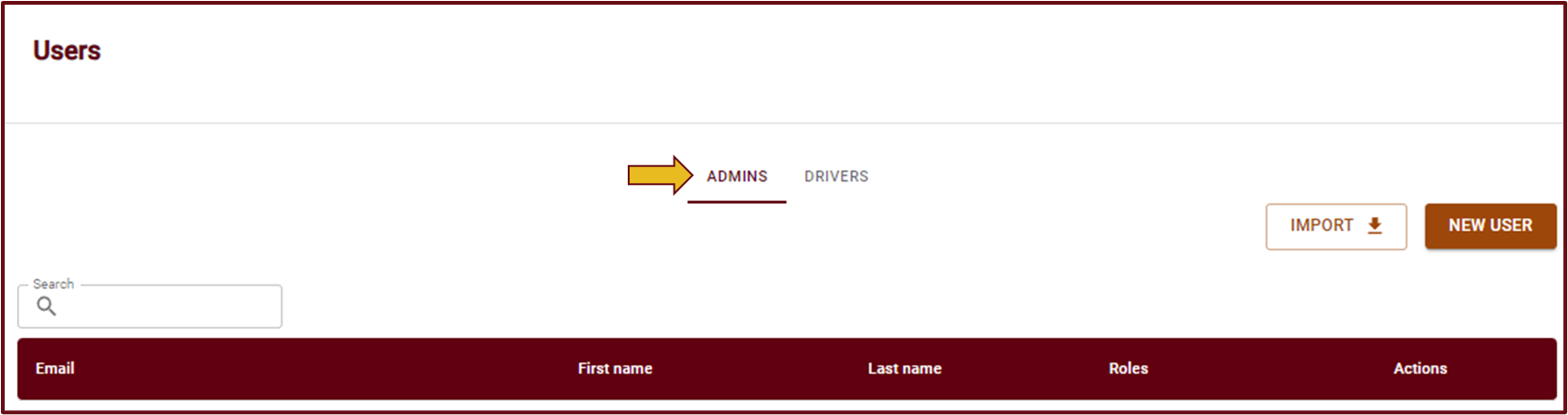
- A list of all your current users will open. Look for the name of the user you would like to add as a driver and select the 3 dots (⋮) to the right under the Actions column.
- Select ‘Make Driver’
- Please ensure that you provide all the necessary information required by the system. It is important to leave the Authentication section blank, as shown in the diagram below. If you complete this section, the user will be assigned a new username and password specifically for accessing the mobile app. However, if you do not complete the authentication section, the user will be able to access both the mobile and web applications using the same username and password they were using as an admin. Remember to save your changes.


