- To access TrueTMS on the web application, start by logging in. Then, navigate to the menu on the left side of your home screen and click on 'Carriers' under the Other section. Next, at the top of the screen, select 'Pay To Profiles'.
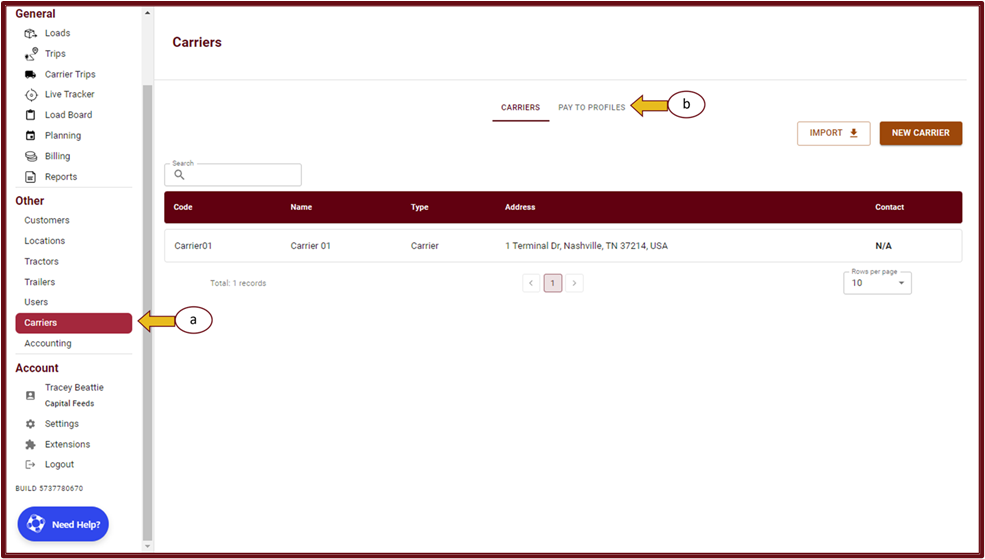
- Click on the Pay To Profile window, then select "New Pay to Profile" located in the top right-hand corner of the screen.
- Enter all the necessary details and click on the "Save" button.
- After saving, your new Pay To Profile will be accessible in the "Pay to Profiles" section.


