- To get started, open your web application and go to the 'General' section on the left-hand side. From there, locate and click on 'Loads' (a), and then select 'New Load (b)' at the top right corner.
- After selecting 'New Load' the first page that will open is the 'Load details' page. It is essential to fill in all the necessary information before proceeding to the next step by selecting "Next" located in the bottom right corner.
- Proceed to complete the 'Trailer Requirements' page and click 'Next' once again.
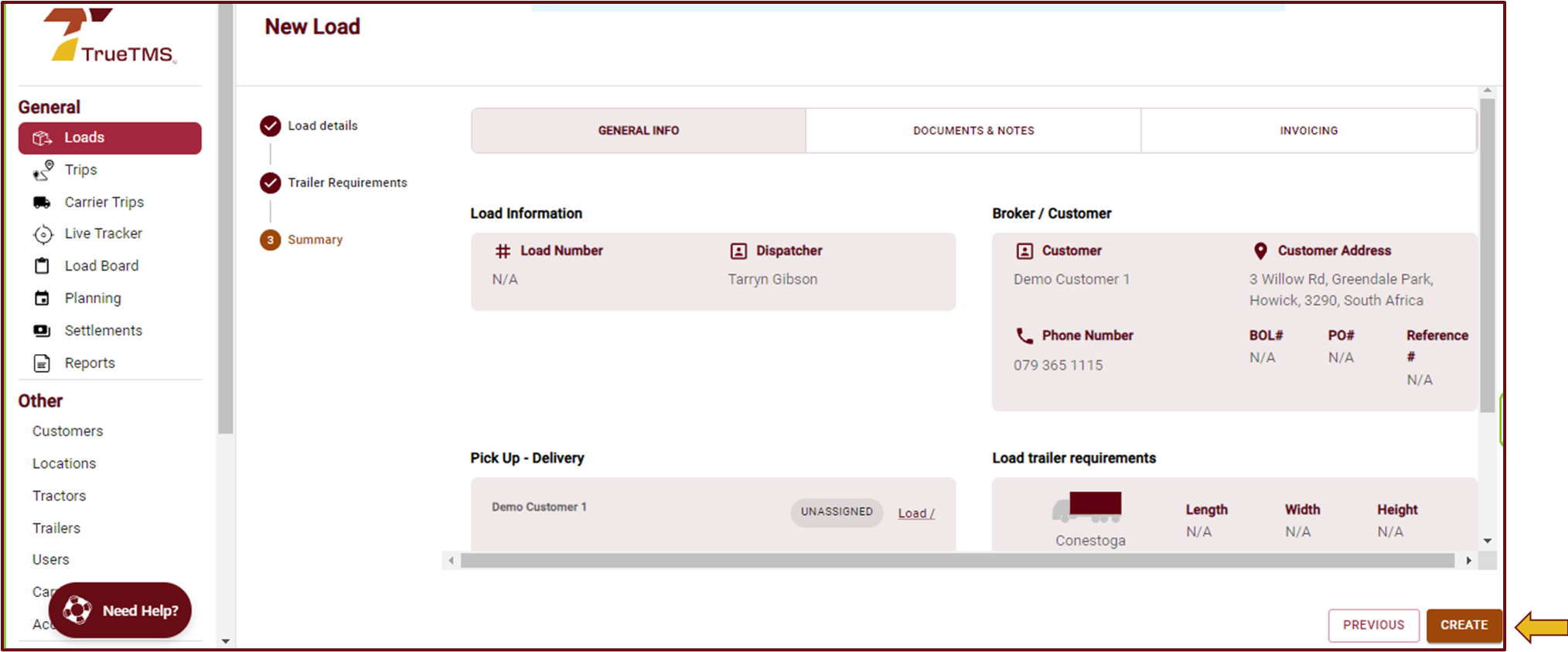
- Review the load information on the Summary page.
- Once you have reviewed all the details and are ready, click on the "Create" button (c).
- This load is now available under the 'Loads' section in the 'General' tab on the left-hand menu, and is ready to be assigned to a Driver, Tractor, Trailer or Carrier.


