- Log in to TrueTMS on the web application. On the menu on the left of your home screen under the General section, click on ‘Loads’ (a) and then ‘New Load’ (b).
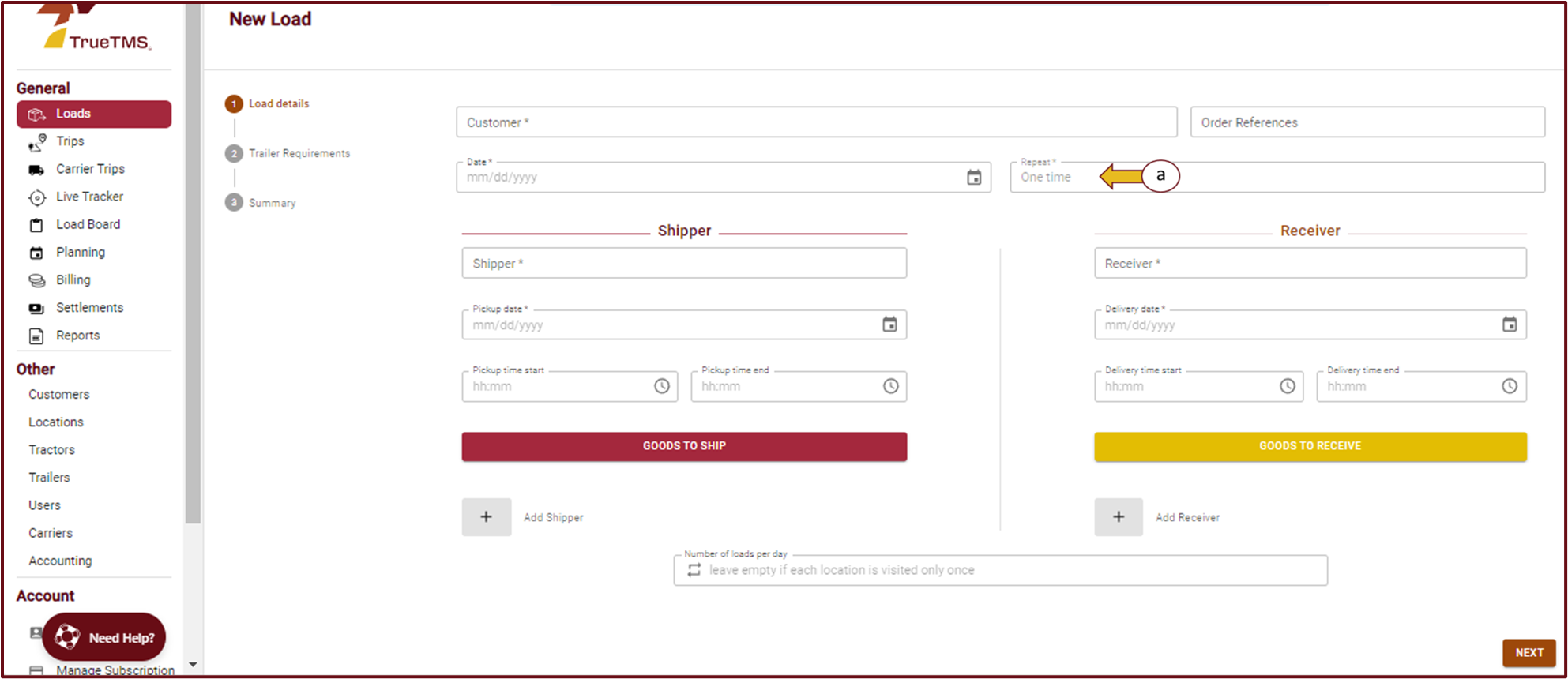
- The first page is the Load details page. Complete all the information required. In the block marked ‘Repeat’ (a) select how often this load needs to be repeated. If none of the options match, select ‘Custom’ and create your own option. Select ‘Next’ in the bottom right corner to move on to page 2 of creating a load
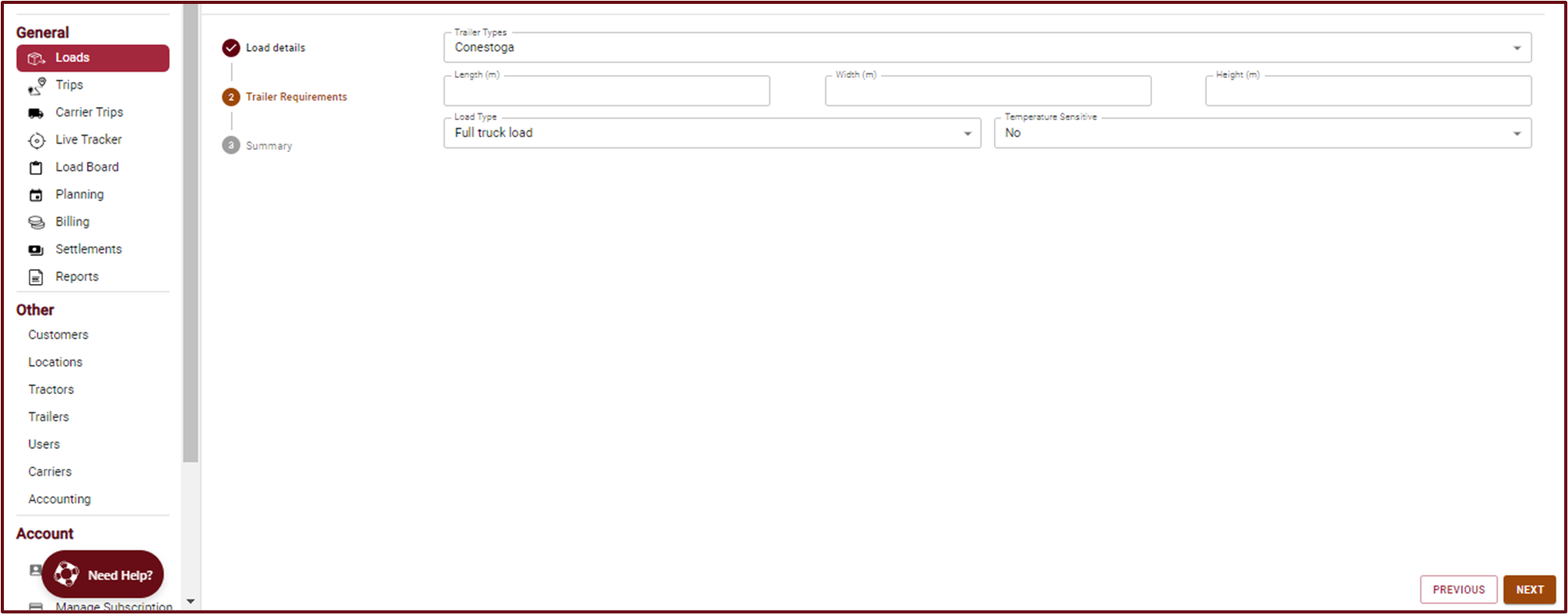
- Next, complete the Trailer Requirements page and select ‘Next’ again
- Review the load information on the Summary page. Once you are satisfied that all the details are correct, click the ‘Create’ button.

